
Why a Logo Needs More Than a Low Price
Your logo is one part of your brand identity, so it is worth choosing a designer you trust. You could order a $5 logo online, but as the saying goes, you get what you pay for. A very cheap logo can still cost you later if it looks generic or has to be replaced.
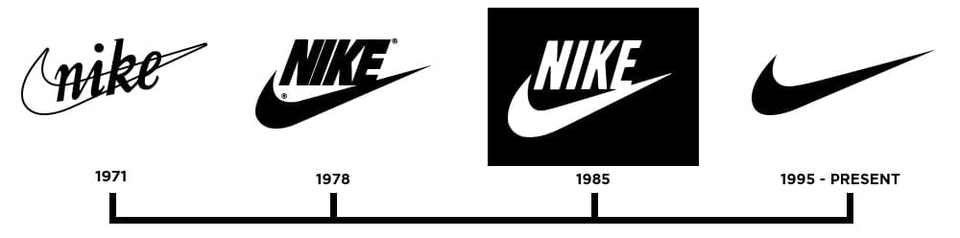
Price alone does not decide the result, though. Carolyn Davidson designed the Nike Swoosh in 1971 while she was a student at Portland State University, and she was paid $35. Davidson recalls Phil Knight saying he “didn’t love it, but maybe it would grow on him.” Nike later honored Davidson with a reception and company stock. The lesson is not that logos should be cheap. A simple mark can grow in value when a company uses it consistently for decades.
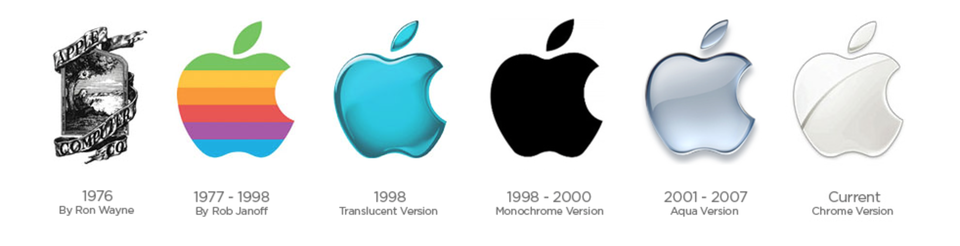
Logos can also change completely. Apple’s first logo was a detailed illustration of Isaac Newton under an apple tree. In 1977, the company replaced it with Rob Janoff’s much simpler bitten apple, and that basic shape is still in use.
Step 1: Write a Design Brief
Before anyone starts sketching, agree on what the logo needs to do. A short brief can prevent a round of mockups that miss the point. It should cover:
- What the business does and who it serves
- The impression the logo should create
- The main competitors and how they present themselves
- Where the logo will appear, such as a website, sign, vehicle, or social profile
- Examples of logos the client likes and dislikes, and why
Step 2: Choose a Logo Style
Wordmark
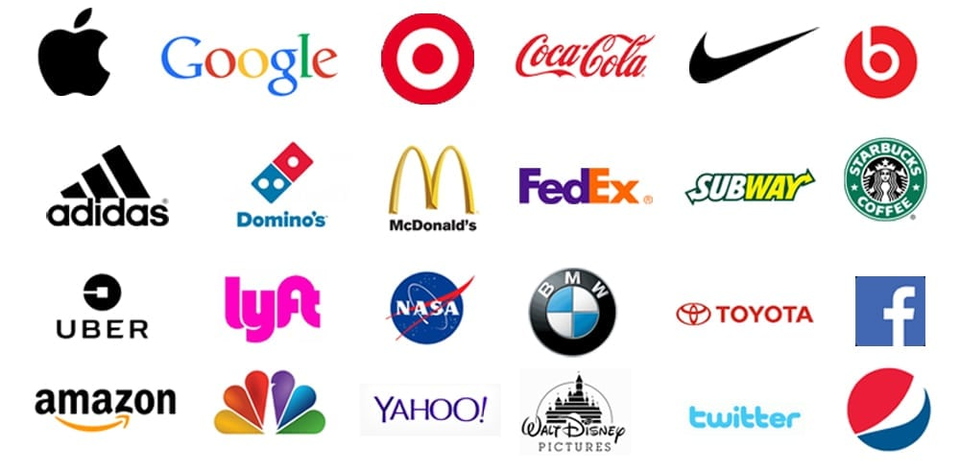
A wordmark uses the company name as the logo, with custom or carefully chosen lettering. Google, FedEx, and Ray-Ban are familiar examples. This style works well when the name is distinctive and you want people to remember it.
Icon
An icon is a symbol that can stand on its own, like the Nike Swoosh or the Apple logo. Few new businesses can rely on a symbol alone, but having one is useful for app icons, social profile images, and favicons, the small images shown in browser tabs.
Combination
A combination logo pairs an icon with a wordmark. It is flexible because you can use the full version on a website or business card and the icon alone where space is tight. For many small businesses, this is the practical choice.
Emblem
An emblem places the name inside a badge, seal, or crest. Universities often use this style because it feels established and traditional. Emblems can look great on apparel and signs, but fine details may disappear at small sizes.
Step 3: Use Color With Intent
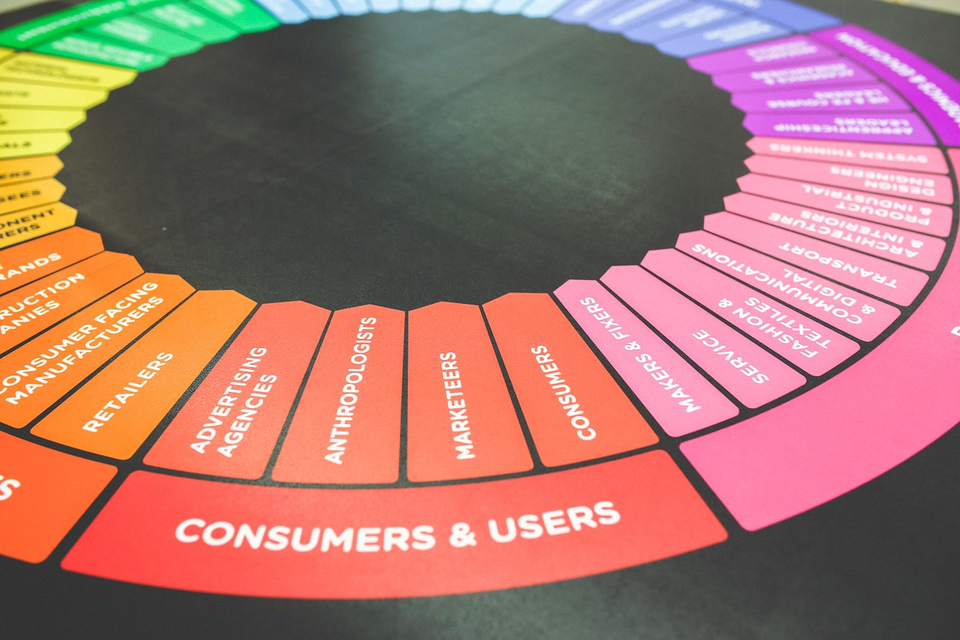
On the traditional color wheel, red, yellow, and blue are the primary colors. Mixing them creates the secondary colors: orange, green, and purple. Mixing a primary color with a neighboring secondary color creates the tertiary colors.
Colors opposite each other, such as red and green or blue and orange, are called complementary. They create strong contrast, but two saturated complementary colors can seem to vibrate when one sits directly on top of the other, especially in text. Test your choices for legibility, not just appeal.
Color can also shape how a brand feels, although meanings vary by audience and culture. Look at what is common in your industry, then decide whether you want to fit in or stand apart. Your logo should also work in a single color, because it will not always appear in full color.
Step 4: Sketch, Refine, and Test
Research the company and its industry first, then explore ideas quickly. Sketching is a fast way to try many directions before you commit to one on the computer. When deadlines are tight, some designers start digitally, but rough concepts should still come before polish.
Present a small number of concepts and explain how each one answers the brief. Some clients know exactly what they want, while others need to see options before they can react. Clear reasoning keeps feedback focused.
Before you finalize a design, check that it:
- Stays clear at favicon size and on a large sign
- Works in one color, on light backgrounds, and on dark backgrounds
- Fits both horizontal and square spaces
- Does not look too much like a competitor’s logo
- Has been through a trademark search, ideally with help from a trademark attorney
- Comes in vector and web-ready file formats that the client can use
Need help creating a logo or a wider brand identity? See our branding and graphic design services.